

16alarms, one line each
3ways to build: gentle, linear, jolt
3ways to stop it
0accounts, network or tracking
On the watch
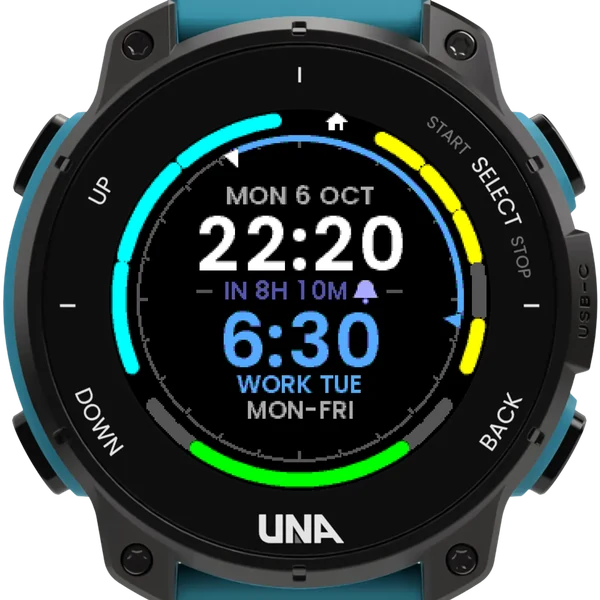
The opening page
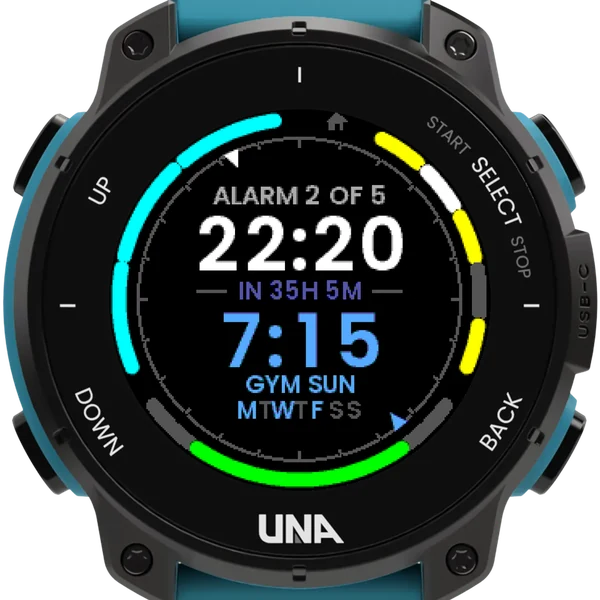
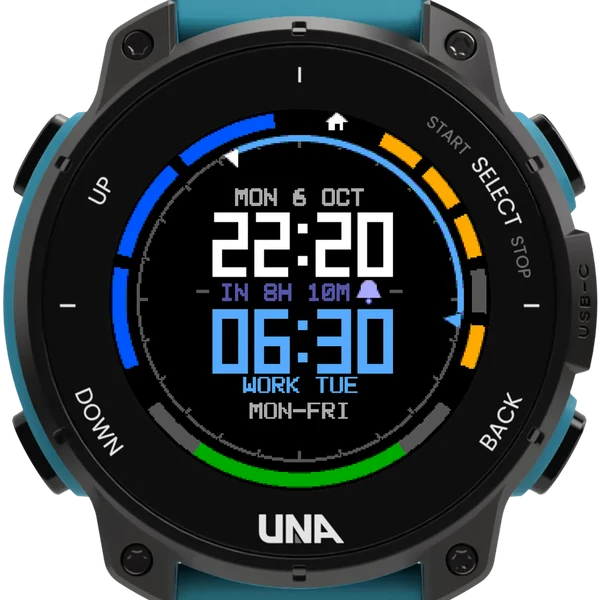
The time, and under it at the same size the next alarm, how long until it rings, its name and its days. Hold SELECT here for a nap.
Around the edge
The top right maps the pages: a house for the opening page, lit while you are on it, then your alarms, lit when on; the top left the snoozes left; the foot the battery.
When it rings
The watch lights up and builds to a full alert: gently, in even steps, or all at once. Stop it by holding SELECT, by presses in a row, or by the buttons the screen names.
Setting an alarm
- Each alarm is one line in the phone app's Configure form: a time, the days, a name, like 0630 MON-FRI WORK or 21:00 DAILY PILLS.
- Days as a list or a range, or DAILY, WEEKDAYS, WEEKENDS, ONCE or a date; a dash in front keeps an alarm but switches it off.
- A city code like @LON rings at that city's time wherever you are; S5x2 gives one alarm its own snoozes.
- Each alarm keeps its own snooze, and a snooze survives a restart or a computer cable.
- A line it cannot read is shown as you typed it, marked NOT READ, and never rings at a wrong time.
Buttons
| DOWN | tap | through your alarms |
| SELECT | hold | an alarm's options; the nap; in the editor, save |
| SELECT | tap | in the editor, the next field |
| UP | hold | invert, the wrist light, the info page |
| BACK | leave; your alarms stay set |
The watch's own Alarm stays on the watch: an alarm set in both rings twice, so use one or the other.